
Pi normally needs hardware support like keyboard, mouse, display( HDMI compatible monitors). But we can run pi without these hardware too, using another PC by SSH tunneling. Before getting started, we need to install ssh client in the system from which we are tunneling in to the pi. In Ubuntu (or other linux distros), we install ssh client as follows:
$ sudo apt-get install ssh
$ sudo apt-get install openssh-client
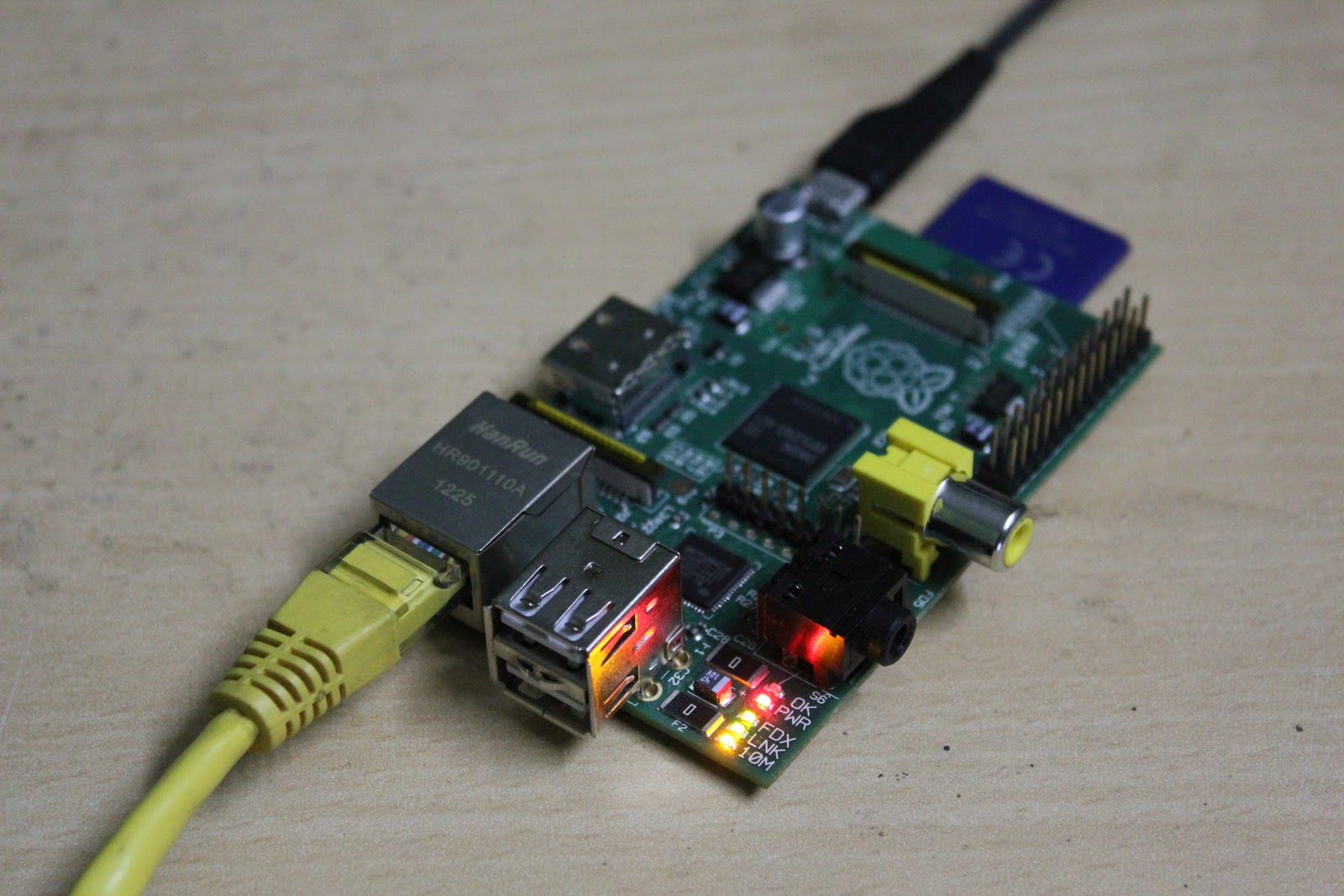
Default login for pi running Wheezy:
usrname: pi
passwd: raspberry
Follow the video below which explains what is SSH and how to log in to pi by SSH tunneling step by step:
Dowload notes/hints

0 comments