
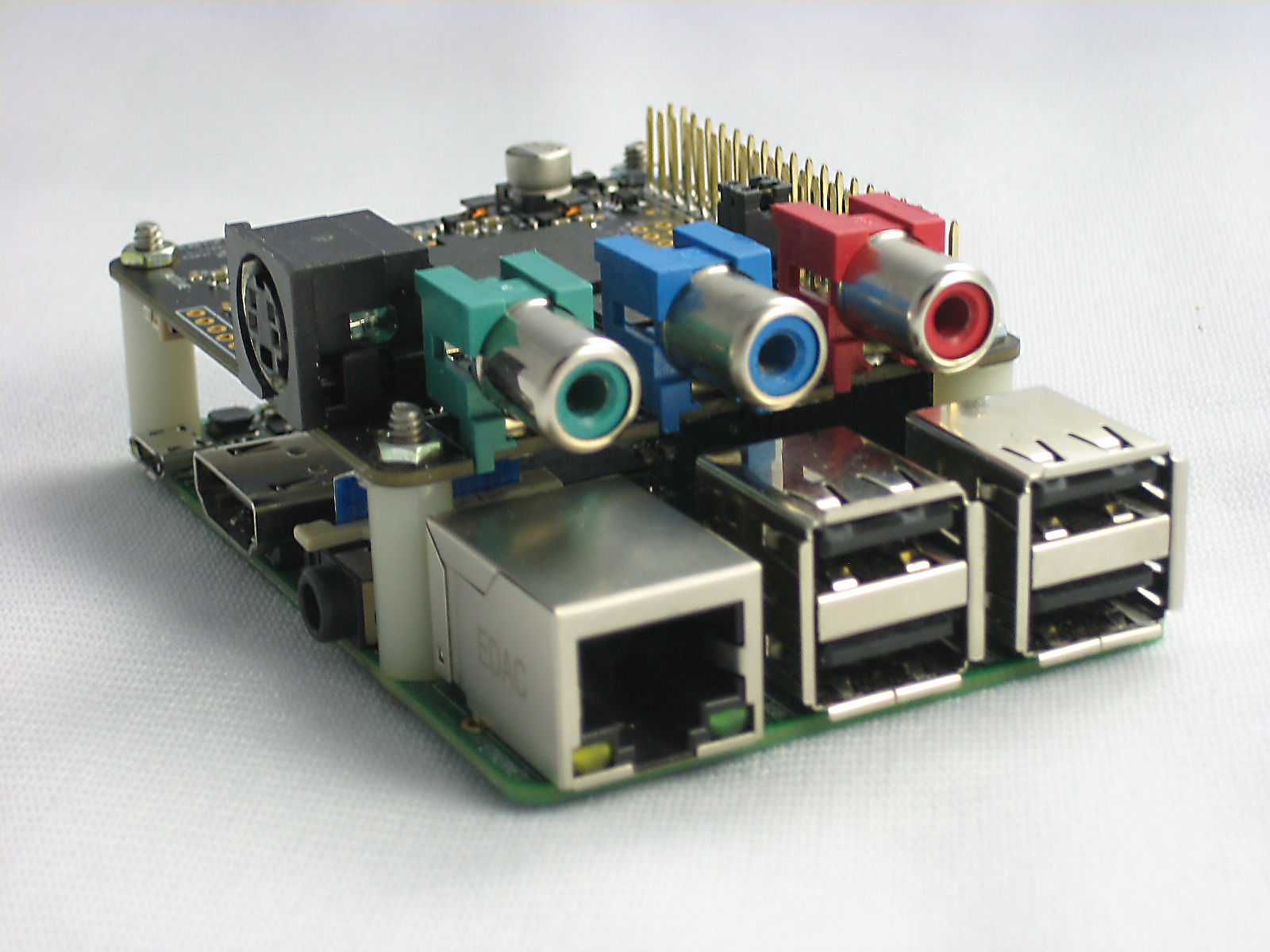
Since PiCapture fully emulates the Raspberry Pi camera module, all software such as Raspivid, PiCamera and related applications are fully compatible. The robust design and rugged mechanical package makes PiCapture suitable for a wide range of applications including crucial ones for medical and industrial use.
PiCapture comes in two variants:
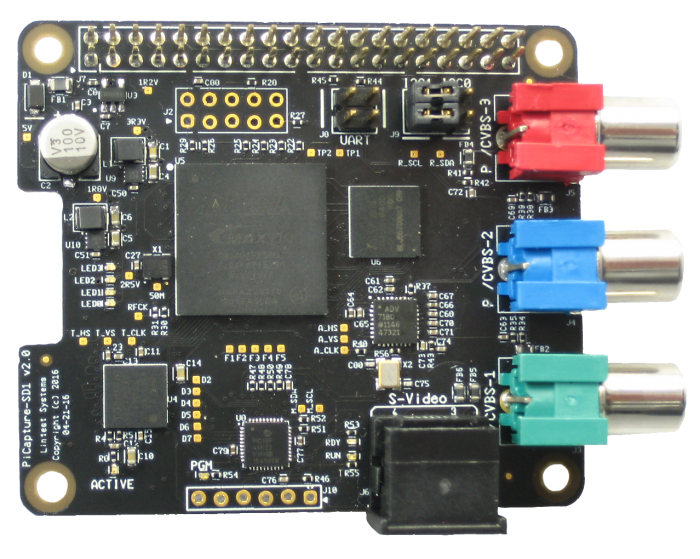
interlaced video (NTSC/PAL) from Composite,
S-Video, and YPbPr Component
- PiCapture HD1 for high-definition progressive
video from digital (HDMI/DVI), analog (YPbPr
Component), and Computer (RGB) sources at
480p, 720p, and 1080p resolutions
Features at a Glance:
● Form Factor: Raspberry Pi HAT compatible.
● High Speed Interface: Raspberry Pi Camera port - MIPI CSI-2.
● Assured Compatibility: Works with most Raspberry Pi boards (including 3.0) and standard camera software (raspivid, picamera, etc.)
● FULLY EMULATES THE RASPBERRY PI CAMERA: MIPI CSI-2 interface means the Raspberry Pi GPU can be used to its fullest and the CPU is free for you own applications not
consumed with peripherals.
● PIVIDEO PYTHON-BASED CONTROL SOFTWARE: PiVideo is used to control the PiCapture processor for:
- Automatic or manual video source selection
- Optional on-screen source indication
- Test mode control - B&W modes, solid color, and color pattern
- Firmware update utility
● MULTIPLE WAYS TO COMMUNICATE WITH RASPBERRY PI: Jumpers for selecting UART, I2C1, I2C0 (or none) for maximum flexibility of Raspberry Pi GPIO
● GET UP AND RUNNING FAST WITH ANY VIDEO SOURCE: PiCapture products are fully compatible with Raspberry Pi hardware and software so no special drivers required. Connect, power up, and run raspivid or your software, and capture video for any SD or HD source!
Application Areas:
● Video streaming
● Video recording
● Machine vision
● Manufacturing
● Robotics
● Security and Surveillance
● Baby/child/pet monitors
● Healthcare (telemedicine)
● Traffic monitoring
● Astronomy/Astrophotography
● DVR/Media Center
…. and more
To learn more about PiCapture do visit their site: www.lintestsystems.com. Be sure to check out the sample videos captured with PiCapture here.
To learn more about PiCapture do visit their site: www.lintestsystems.com. Be sure to check out the sample videos captured with PiCapture here.

0 comments