
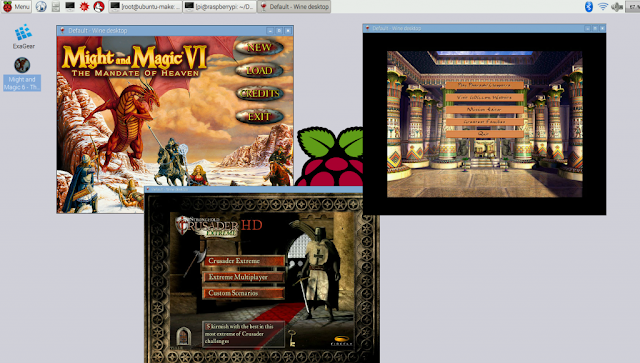
Many of you may have already heard about RetroPie which allows you to turn your Raspberry Pi or PC into a retro-gaming machine. As the name suggests RetroPie is well suited for playing retro games. However, if you’re looking for a bit more than retro gaming it won’t be able to satisfy your gaming itch. The thing with RetroPie is that its designed to emulate older systems like the first-generation PlayStation and N64. And it’s a well-known fact that emulating these older systems often results in frame rate issues which ruins the gaming experience.
But what should you do if you are thinking of playing more modern PC and Linux games on your Raspberry Pi? Luckily, there’s a great option - ExaGear Desktop which will elevate your gaming experience far beyond what RetroPie can offer by letting you run Linux and PC games from late 90s to early 2000s on Raspberry Pi. It offers a user-friendly software package with transparent operation and lets you run x86 software on Raspberry Pi and other ARM-based devices. The download and installation process is very simple and will take you just a few minutes. Setup steps can be found clearly explained in the documentation.
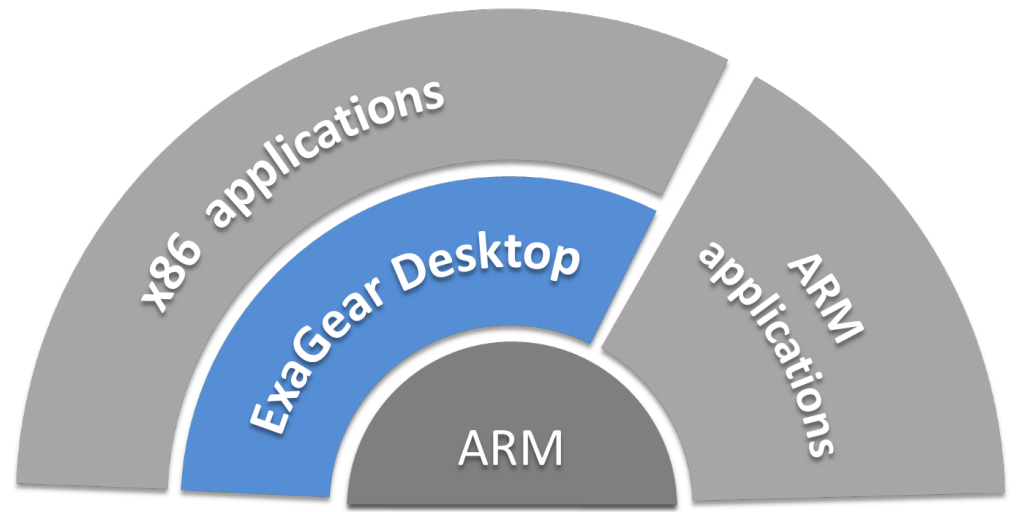
Eltechs ExaGear Desktop is a virtual machine that implements a software-based x86 Linux container on ARM and allows you to run x86 software package on your Raspberry Pi. A secondary system known as the ‘guest’ system is created by ExaGear post installation. It allows you to switch between the guest and your regular ("host") system using the exagear and exit commands. The guest system allows you to execute familiar commands like apt-get and dpkg to install x86 software packages. You can even run Windows applications on your ARM device if you install Wine. It is like using QEMU on steroids.
Performance

Limitations
Although you can install everything that comes with or exists for Linux, you are still limited with what you can do with ExaGear. For instance, hardware acceleration is not supported since there are no drivers to support it. Anything that requires OpenGL will only run via software emulation through MESA which is an open source implementation of OpenGL specification. This means that not all functions are supported.
For example, you can install Steam on your Pi, but you can’t run it, since some of the required modules/components are missing and it won’t start. Any applications that requires fancy graphics won’t run, and the same applies to Windows applications. To sum it up applications that rely heavily on DirectX components like 3D games simply won’t work, and even if they do, they will run very slowly and will make your Pi run very hot.
Verdict
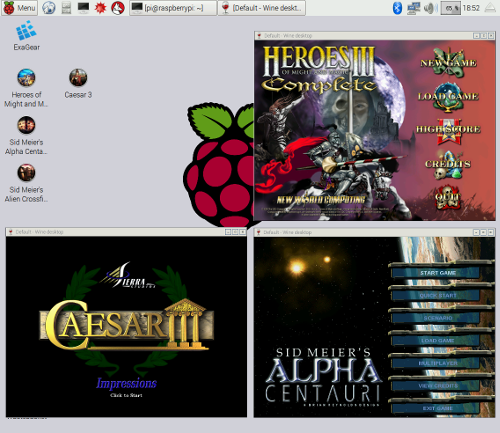
First of all ExaGear is not free, and a license must be purchased from Eltechs. Nevertheless, it is an excellent x86 PC emulation software package for Raspberry Pi which, combined with Wine, enables you to play PC games from late 90s - early 2000s. So if you are planning to play Windows PC games like Heroes of Might and Magic 3, Sid Meier’s Alpha Centauri, Caesar 3, give ExaGear Desktop a try and take your gaming experience far beyond the RetroPie borders!


0 comments